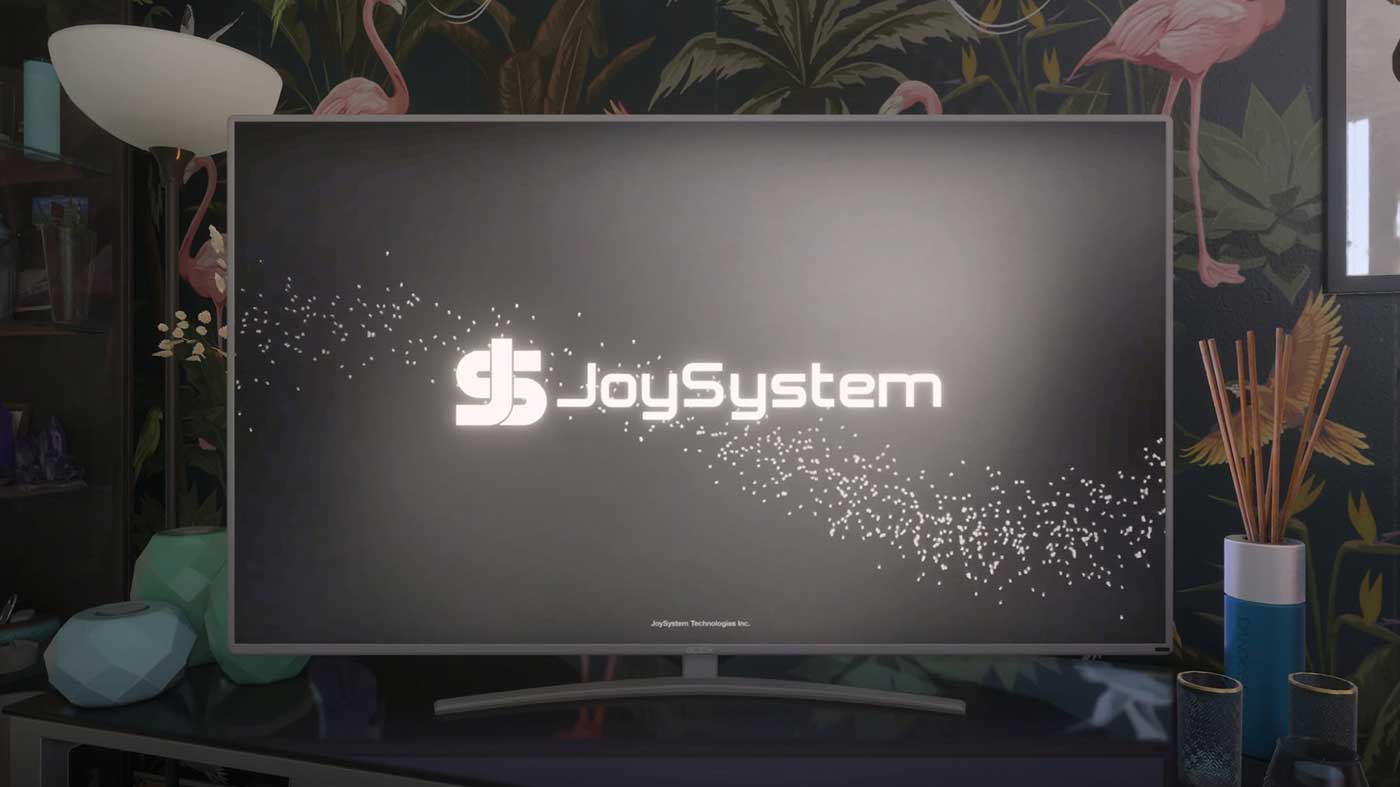
Grand Theft Auto VI brings back one of Rockstar Games’ most beloved side mechanics: playing full video games inside the game itself. Across Leonida, there are four playable video games in total. Three of them can be played directly on your safehouse television via an in-game console called the JoySystem, while the fourth is exclusive to arcade cabinets scattered around the map.
Whether you are looking to take a break from Vice City’s chaos or hunting down the Platinum trophy, here is how to access the JoySystem, every title you can play, and how they tie into 100% completion.
How to Play Video Games on Your Safehouse TV
To boot up a game at home, walk up to the television in your safehouse and interact with the controller sitting by the TV. From there, you can select your title directly from the JoySystem console menu.
There is one important story-progression quirk to keep in mind:
Chapter 1: You can access the JoySystem right away in Chapter 1, and the game will automatically introduce you to the feature during the Chapter 1 main mission Feng Shui (Meet Cal).
Chapter 2: The home console becomes temporarily unavailable during Chapter 2.
Chapter 3 and Post-Game: The JoySystem returns in Chapter 3 and remains accessible in your safehouse after you finish the main story.
All 4 Playable Video Games in GTA 6
| Game Title | Where to Play | Notes |
|---|---|---|
| Tenebrae Lux | Home TV (JoySystem console) | Automatically played during the Chapter 1 main mission Feng Shui (Meet Cal). |
| Street Trash III | Home TV (JoySystem console) | Available on your safehouse console in Chapter 1, Chapter 3 onward, and post-story. |
| Time Jackers Rewind | Home TV (JoySystem console) | Available on your safehouse console in Chapter 1, Chapter 3 onward, and post-story. |
| Bang For Your Buck | World Arcade Machines | The only game not on the JoySystem. Found at arcade cabinets around Leonida, such as outside the Bargain World clothing store in Port Gellhorn. |
Trophy and 100% Completion Requirements
If you are aiming for 100% completion or chasing the Platinum trophy, you will need to spend a bit of time with these in-game titles:
100% Completion Checklist: You must play all four video games at least once. Fortunately, you do not need to finish them for this requirement; simply launching each game and immediately exiting is enough to tick it off.
Stick Fiddler Trophy / Achievement: To unlock Stick Fiddler, you need to finish all levels of at least one of the four playable video games. You only need to beat a single title to earn it, so pick whichever of the three JoySystem games or Bang For Your Buck clicks with you most.